# n8N

# Connexion discord

Pour du GET et POST

[![image-1749224404110.png](https://pvrouteur.apper-solaire.org/uploads/images/gallery/2025-06/scaled-1680-/image-1749224404110.png)](https://pvrouteur.apper-solaire.org/uploads/images/gallery/2025-06/image-1749224404110.png)

C'est plus compliqué , il faut générer un token pour le bot.   
voir doc [https://docs.n8n.io/integrations/builtin/credentials/discord/?utm\_source=n8n\_app&amp;utm\_medium=credential\_settings&amp;utm\_campaign=create\_new\_credentials\_modal](https://docs.n8n.io/integrations/builtin/credentials/discord/?utm_source=n8n_app&utm_medium=credential_settings&utm_campaign=create_new_credentials_modal)

à partir de [https://discord.com/developers/applications?new\_application=true](https://discord.com/developers/applications?new_application=true)

<p class="callout info"> A continuer</p>

Pour du POST Simple, il est possible de passer par là sur discord

[![image-1749224241782.png](https://pvrouteur.apper-solaire.org/uploads/images/gallery/2025-06/scaled-1680-/image-1749224241782.png)](https://pvrouteur.apper-solaire.org/uploads/images/gallery/2025-06/image-1749224241782.png)
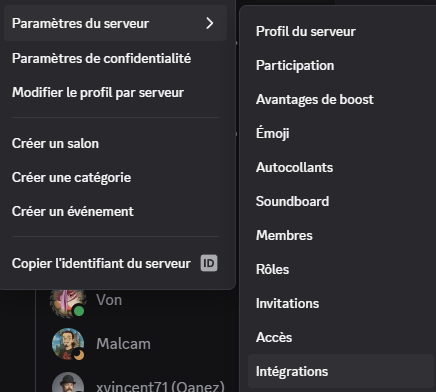
[![image-1749224264622.png](https://pvrouteur.apper-solaire.org/uploads/images/gallery/2025-06/scaled-1680-/image-1749224264622.png)](https://pvrouteur.apper-solaire.org/uploads/images/gallery/2025-06/image-1749224264622.png)  
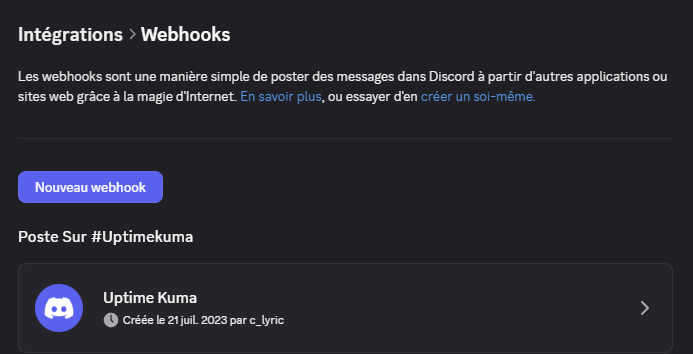
et coté n8N

[![image-1749224383324.png](https://pvrouteur.apper-solaire.org/uploads/images/gallery/2025-06/scaled-1680-/image-1749224383324.png)](https://pvrouteur.apper-solaire.org/uploads/images/gallery/2025-06/image-1749224383324.png)# Nouvelle page
passer par l'AUTH Gmail

[![image-1749224789900.png](https://pvrouteur.apper-solaire.org/uploads/images/gallery/2025-06/scaled-1680-/image-1749224789900.png)](https://pvrouteur.apper-solaire.org/uploads/images/gallery/2025-06/image-1749224789900.png)

Conformément à la doc

[https://docs.n8n.io/integrations/builtin/credentials/google/oauth-single-service/?utm\_source=n8n\_app&amp;utm\_medium=credential\_settings&amp;utm\_campaign=create\_new\_credentials\_modal](https://docs.n8n.io/integrations/builtin/credentials/google/oauth-single-service/?utm_source=n8n_app&utm_medium=credential_settings&utm_campaign=create_new_credentials_modal)

dans **audience** ajouter l'utilisateur

[![image-1749225050366.png](https://pvrouteur.apper-solaire.org/uploads/images/gallery/2025-06/scaled-1680-/image-1749225050366.png)](https://pvrouteur.apper-solaire.org/uploads/images/gallery/2025-06/image-1749225050366.png)
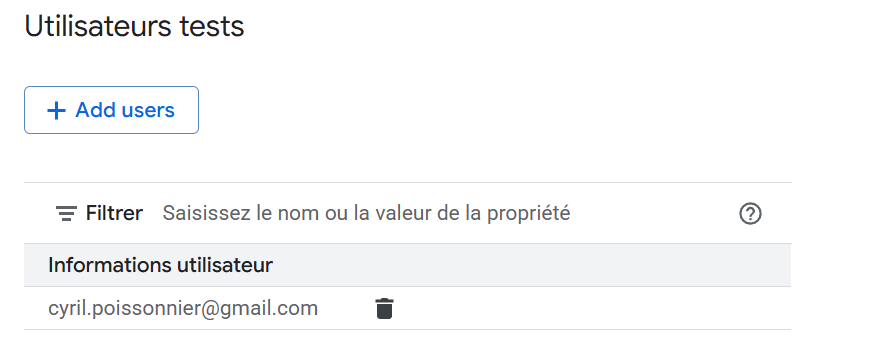
Ajouter le nom de domaine authorisé dans **branding**

[![image-1749225086631.png](https://pvrouteur.apper-solaire.org/uploads/images/gallery/2025-06/scaled-1680-/image-1749225086631.png)](https://pvrouteur.apper-solaire.org/uploads/images/gallery/2025-06/image-1749225086631.png)
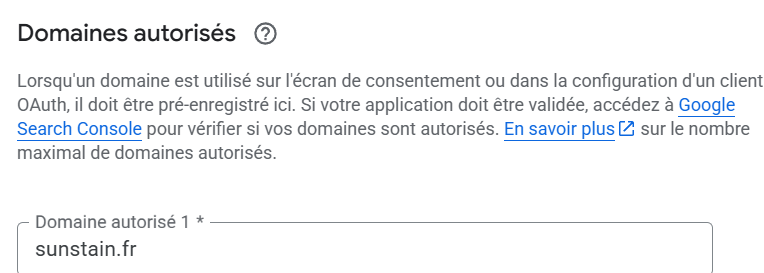
une fois le client Web créé, il faut rajouter l'API autorisée

en passant par le menu de recherche

[![image-1749225159882.png](https://pvrouteur.apper-solaire.org/uploads/images/gallery/2025-06/scaled-1680-/image-1749225159882.png)](https://pvrouteur.apper-solaire.org/uploads/images/gallery/2025-06/image-1749225159882.png)
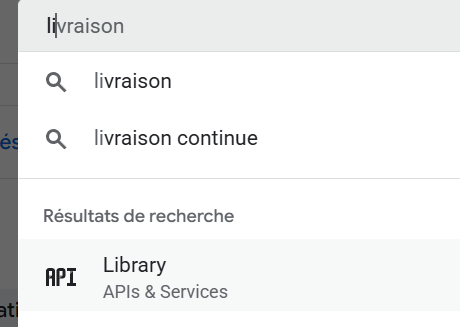
chercher et ajouter l'API

[![image-1749225248345.png](https://pvrouteur.apper-solaire.org/uploads/images/gallery/2025-06/scaled-1680-/image-1749225248345.png)](https://pvrouteur.apper-solaire.org/uploads/images/gallery/2025-06/image-1749225248345.png)
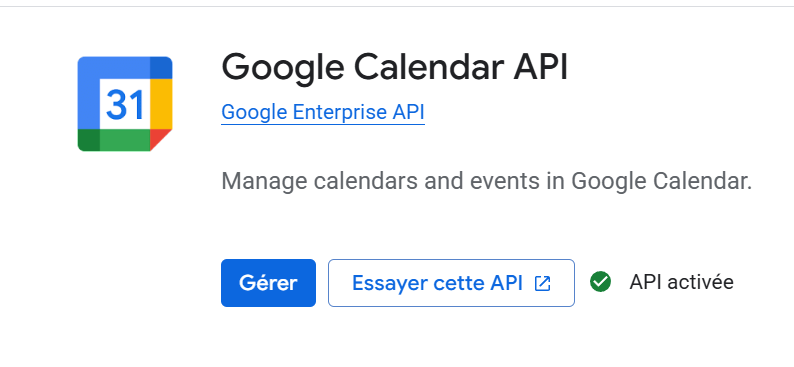
Les connnecteurs n8N sont à faire pour toute les applications que l'on souhaite faire# Connexion Mongodb

Ajout dans le compose

```
  mongo:<br></br>    image: mongo:latest<br></br>    ports:<br></br>      - "27017:27017"<br></br>    volumes:<br></br>      - mongo_data:/data/db<br></br>    restart: always<br></br>    environment:<br></br>      MONGO_INITDB_ROOT_USERNAME: login<br></br>      MONGO_INITDB_ROOT_PASSWORD: mdp<br></br><br></br><br></br>volumes:<br></br>  mongo_data:<br></br>
```

Création de la base :

```
docker exec -it n8n-mongo-1 mongosh -u user -p pwd --authenticationDatabase admin<br></br><br></br><br></br>use n8n<br></br>db.init.insertOne({created: true})<br></br><br></br><br></br><br></br><br></br>show dbs
```